Kill The Shadow Keyboard and Mouse Controls
PC binding advice for movement, interrogation, Rewind, and corkboard deduction in Dark Tide City.
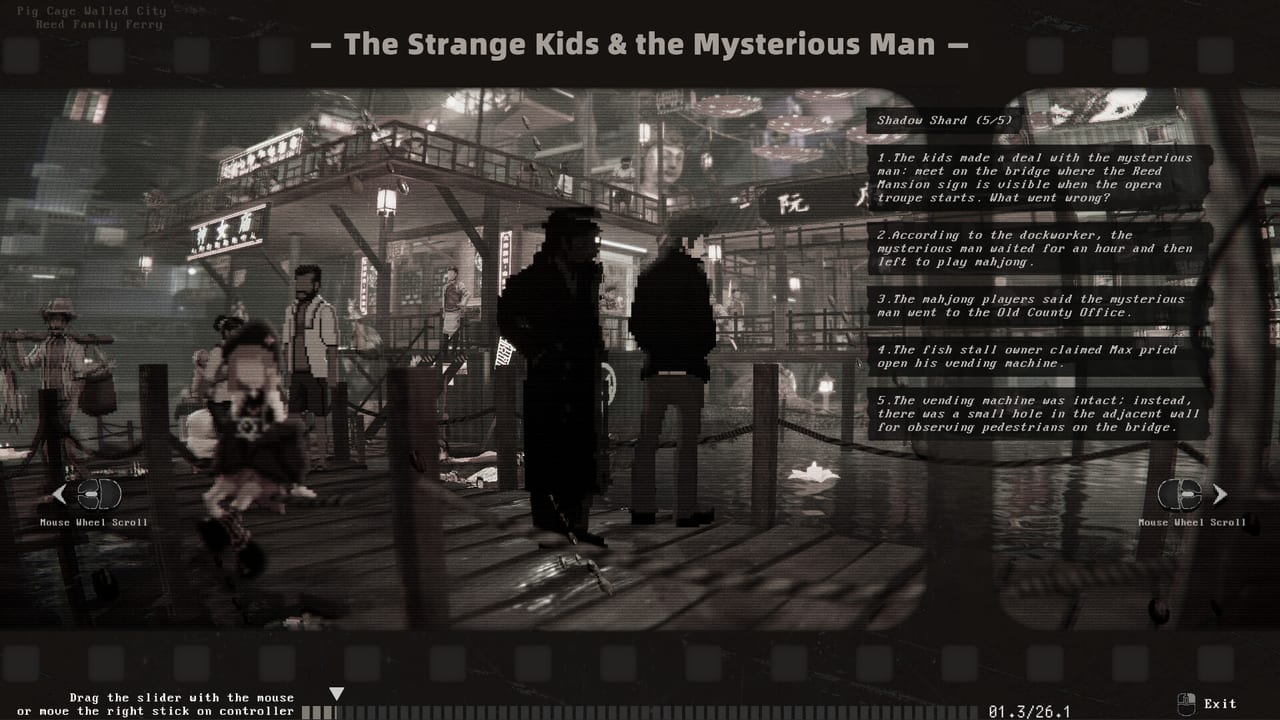
Keyboard-and-mouse is the default PC experience for Kill The Shadow on Steam, and for many players it remains the strongest option for precision—especially on the deduction corkboard where pixel-accurate cursor placement beats stick drift. Shadowlight and Phoenix Game’s cyber-noir detective RPG asks you to walk Lucas through factory catwalks, Wharf stilts, Pig Cage alleys, and Old Town fairs, then sit down at a corkboard to link testimony from Captain Theo, Kiki, Auntie Bass, and dozens of other NPCs before accusing Axel Flint or untangling Mrs. Reed’s neighbourhood timelines.
This page covers KBM strengths, typical binding categories, rebinding workflow, and habits that keep investigation flow smooth from demo through full August 2026 release.
Why KBM excels for detectives
Mouse control shines wherever Kill The Shadow demands spatial precision:
- Corkboard card placement — Dragging evidence, drawing connections, and clicking contradiction prompts is faster with a cursor than a gamepad stick. See Deduction Corkboard Guide for logic; this page covers input.
- Rewind scene inspection — Mouse look or edge-scroll habits help spot background details The Shadow highlights subtly.
- Dialogue throughput — Rapid option selection during Spirit-heavy interviews with the Priestess or Charm chains with Chiffon.
- UI-heavy inventory days — Comparing notes after multi-district sweeps per Districts guide.
Controller players face the famous D-pad corkboard tip on Controller controls; KBM users should still avoid sloppy clicks that mis-link cards—undo time is real time.
Core binding categories
Kill The Shadow groups inputs into predictable detective-RPG buckets (exact defaults may vary by patch—verify in demo):
Movement — WASD or arrow keys for Lucas’s walk/run through Dark Tide City. Hold sprint for Wharf planks or factory spans when backtracking.
Interact / examine — Primary key for doors, objects, NPC prompts, and crime scene hotspots. Rebind somewhere comfortable for spam-heavy exploration passes.
Dialogue — Number keys or mouse click on options; ensure confirm and back are distinct to avoid mis-picks during Strength intimidation windows.
Corkboard mode — Toggle enter/exit, grab card, draw link, cancel link. Practice until muscle memory survives late-night sessions.
Rewind — Confirm entry, advance/scrub timeline, mark detail, exit to hub. Post-Next Fest demo revamps made Rewind smoother—test after patches. Rewind guide.
Journal / map — Quick access to active objectives and district names when Walkthrough steps reference travel gates.
Rebinding on Steam
PC players usually rebind through a mix of in-game settings and Steam Input:
- Launch the demo or full game from Steam.
- Open in-game controls if available; set movement, interact, corkboard, and menu keys.
- For conflicts with Steam overlay, adjust Steam → Properties → Controller or keyboard shortcuts.
- Export mental note of bindings before cloud save sync to another PC—Kill The Shadow investigations span hours.
If you share a family PC, consider separate Steam Input profiles for KBM versus controller users.
KBM tips by game system
Exploration
Use mouse look to scan Pig Cage graffiti and Old Town fair banners—environmental storytelling is easy to miss with keyboard-only turning. Sprint-bind should be reachable during Shipwreck Wharf chase sequences.
Interrogation and attributes
Strength, Spirit, and Charm options may appear in different UI positions. Mouse users can click quickly but should read options fully; accidental intimidation closes Charm routes with Auntie Bass permanently in some flags. Plan builds on Build Planner so you know which options matter.
Corkboard sessions
Work left-to-right: place location cards, testimony cards, then Rewind fragments. Use zoom if available before drawing long diagonal links across Mrs. Reed and Priestess statements. Cross-check How to Play when the board rejects a connection—sometimes logic is wrong, sometimes the wrong card edge was clicked.
Rewind
Pause on audio cues—Wharf stilt creaks, factory machine cycles—before clicking through. KBM scrubbing rewards patience more than mash-confirm.
Hardware and performance pairing
KBM does not reduce GPU load in crowded Old Town scenes. Pair comfortable input with System Requirements targets: minimum GTX 1060 / RX 580 for 1080p, recommended RTX 3060 / RX 6600XT for smoother rain and crowd effects.
Switching from controller mid-campaign
Allowed, but costly mid-case. Finish corkboard sessions before swapping devices to avoid muscle memory clashes. If you must switch, replay the tutorial corkboard in demo safe space.
Related pages
- Controls hub — Overview including DualSense partial support notes.
- Controller controls — Compare when couch play beats desk precision.
- Guides hub — Investigation systems assuming fluent input.
- Characters — Lucas — Attribute context for dialogue key spam.
Keyboard and mouse reward preparation. Bind once, practice the corkboard twice, and Lucas’s hands move as fast as The Shadow’s Rewind—without misclicking Captain Theo’s patience away.
Frequently Asked Questions
Quick answers to the most common Kill The Shadow questions.
Is keyboard and mouse recommended for Kill The Shadow?
Many PC players prefer KBM for corkboard precision and fast dialogue selection. Controller remains viable with D-pad board navigation.
Which KBM inputs matter most on the corkboard?
Grab, place, link, and cancel bindings. Accuracy here saves more time than movement keys during investigation-heavy cases.
Can I play the demo with keyboard and mouse only?
Yes. Demo Review notes the free Steam demo supports standard PC inputs—use it to test binds before full release.
Do Rewind scenes work well with mouse look?
Yes. Mouse camera control helps inspect Rewind details The Shadow surfaces—pair with the Rewind system guide for clue priorities.
Where do I compare KBM to controller for corkboard?
Controller page documents the D-pad tip; this page covers cursor strengths. Controls hub summarises both.